
- Microsoft Teams
- make video call
- send attachment microsoft
- use microsoft teams video
- add multiple users
- see everyone microsoft
- add apps microsoft
- activate cortana microsoft
- disable gifs microsoft teams
- pin chat microsoft teams
- change cortana’s voice
- add room microsoft
- remove someone microsoft
- ping someone microsoft
- download file microsoft
- find microsoft teams
- get microsoft teams
- schedule recurring meeting
- send pictures microsoft teams
- schedule microsoft teams meeting
- enable chat microsoft teams
- share video audio
- delete conversations microsoft
- create new team
- leave team microsoft teams
- sign out microsoft teams
- mute yourself microsoft teams
- add members team
- edit team description
- turn off microsoft teams
- transfer files from
- share documents microsoft teams
- get microsoft teams code
- download recording microsoft teams
- present ppt microsoft teams
- keep microsoft teams active
- change microsoft teams personal
- find team microsoft teams
- chat privately microsoft teams
- make microsoft teams
- receipts microsoft teams
- control microsoft teams
- sync on microsoft teams
- contacts google microsoft teams
- files microsoft teams
- location microsoft teams
- history microsoft teams
- unblock microsoft teams
- conference microsoft teams
- microsoft teams management
- background in microsoft teams
- create group microsoft teams
- form microsoft teams
- leave microsoft teams
- audio microsoft teams
- photo microsoft teams
- unhide chat microsoft teams
- external microsoft teams
- rename microsoft teams
- chat on microsoft teams
- gifs microsoft teams
- remove microsoft teams
- calendar microsoft teams
- number microsoft teams
- chat microsoft teams
- conference call microsoft teams
- use whiteboard microsoft teams
- reply message microsoft teams
- use microsoft teams meetings
- make presenter microsoft teams
- off microsoft teams notifications
- microsoft teams invite link
- leave class microsoft teams
- login microsoft teams
- clear microsoft teams cache
- microsoft teams meeting link guest
- phone audio microsoft teams
- share screen microsoft teams
- microsoft teams meeting gmail
- make folder microsoft teams
- recorded video microsoft teams
- record microsoft teams meeting
- quote message microsoft teams
- see people's faces microsoft teams
- mute others microsoft teams
- save microsoft teams chat
- control microsoft teams meeting
- delete microsoft teams messages
- blur microsoft teams
- chat box microsoft teams
- multiple participants microsoft teams
- uninstall microsoft teams
- open camera microsoft teams
- prevent microsoft teams away
- block someone microsoft teams
- add calendar microsoft teams
- change name microsoft teams
- organization microsoft teams
- full screen microsoft teams
- microsoft teams recording
- powerpoint microsoft teams
- background microsoft teams
- assign tasks microsoft teams
- remove someone microsoft teams
- delete microsoft meeting
- find microsoft number
- open link microsoft teams
- track tasks microsoft teams
- use microsoft lists teams
- send microsoft recording
- send invitation microsoft teams
- carriage microsoft teams chat
- join microsoft teams
- rotate video microsoft teams
- move files microsoft teams
- trick microsoft teams status
- remove pinned chats
- download search history
- change theme microsoft teams
- clear app data
- sync contacts microsoft teams
- mute notifications attending meeting
- reduce data usage
- send important messages
- add new language
- edit messages in microsoft
- react on messages
- get notified when joins
- enable translation in microsoft
- enable cortana in microsoft
- lock meeting microsoft teams
- spotlight a participant
- check attendance in microsoft
- write on white board
- enable auto translation
- join meeting with id
- add tags in microsoft
- change screen sharing settings
- pin someone in microsoft
- add a new channel
- disable google calendar
- forward a meeting
- remove someone from teams
- praise someone on microsoft
- send a voice note
- send paragraph in microsoft
- send approvals microsoft teams
- send task list
- check voicemails microsoft teams
- get reminders from meetings
- unpin channels on microsoft
- access microsoft teams chat
- access microsoft teams
- view offline files
- add description microsoft teams
- use cellular data
- enable immersive reader
- send urgent messages
- add location microsoft teams
- put microsoft teams
- enable shift reminders
- disable youtube videos
- turn on cart captions
- make anybody owner
- add apps microsoft teams
- join team with code
- set event reminders
- mute meeting notifications
- change team picture
- get dial pad
- put meetings on hold
- turn on captions
- forward messages in microsoft
- mark messages unread
- do text formatting
- disable contacts from sync
- set status message
- reset database microsoft teams
- send emojis microsoft teams
- disable reactions microsoft teams
- enable q&a microsoft teams
- react in microsoft teams
- change image upload
How to Add a New Language in Microsoft Teams
Add a new language in Microsoft Teams to stop getting translation suggestions for texts in that language. This feature especially helps when you are bilingual or know multiple languages. Moreover, you can add as many languages as you want.
Also, add location in Microsoft Teams meetings to add details about the meeting.
Add a New Language in Microsoft Teams: 6 Steps
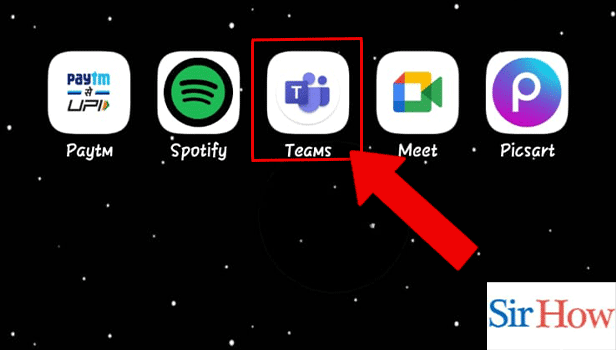
Step 1- Open the Microsoft Teams App: Begin with opening the Microsoft Teams app.
- Teams app can be downloaded from Google Play Store or Apple App Store.
- You can search for the app in the search bar and tap on install to download.
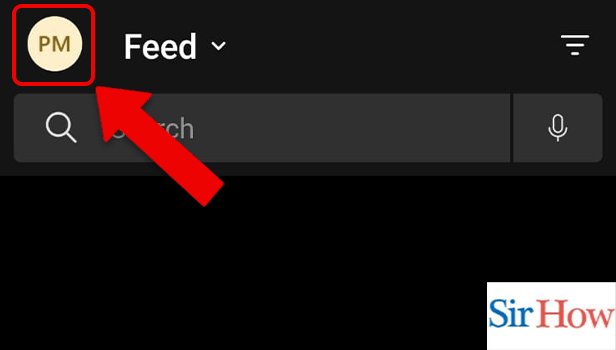
Step 2- Tap on the Profile Icon: Then, you have to tap on the profile icon.
This contains all the details and settings related to your profile.
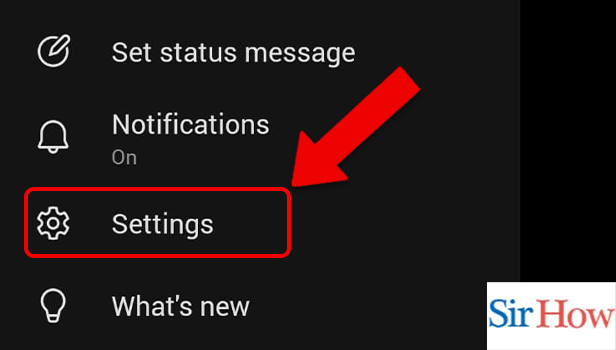
Step 3- Tap on Settings: Thereafter, tap on settings.
They include- general, profile, notifications, message, calling.
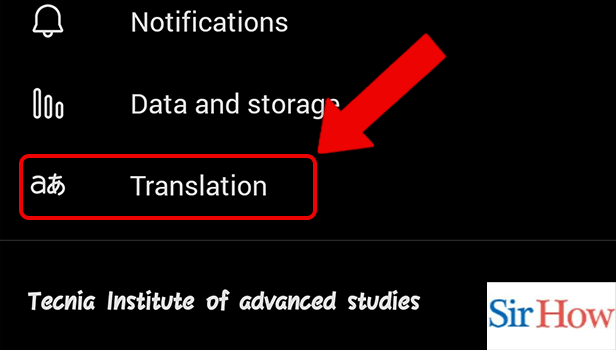
Step 4- Tap on Translation: Within the general settings category, tap on translation.
- Translation is one of the most amazing features of Teams.
- It helps you add languages, translate texts and much more.
Step 5- Tap on Add a New Language: Thereafter, tap on Add a New Language to add another language.
When you add the languages, Microsoft Teams doesn't offer you to translate texts from that language.
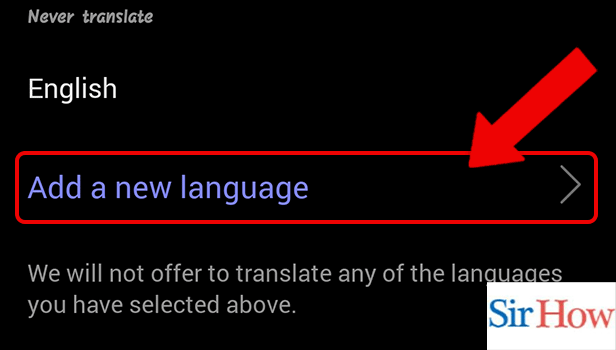
Step 6- Tap on Any Language: Lastly, you can add any language you want.
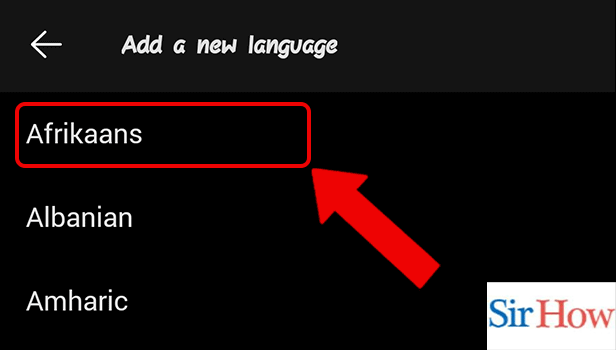
Thus, these were the simple steps to add a language to Microsoft Teams App.
FAQ
How to invite people on Microsoft Teams?
You can invite people to Microsoft Teams by following these simple steps-
- Firstly, open the Microsoft Teams App.
- Secondly, tap on your profile.
- This will open up profile-related settings and details.
- Finally, tap on invite people.
A link will be generated which can be shared on any app.
How to view saved messages on Microsoft Teams?
You can view saved messages on Microsoft Teams by tapping on the profile icon.
This contains all the saved documents, media including audio, pictures and videos, and chats.
What is the difference between team chat and private chat?
The major difference between team chat and private chat is that team chats are visible to everyone on the team and they are open conversations. While private chats are only visible to the people involved in the conversation.
What can a team owner do?
A team owner can do the following things in a team-
- Add or remove members.
- They also have the ability to edit or delete a team.
- Additionally, they can control @mention.
How to check attendance in Microsoft Teams?
You can check attendance in Microsoft Teams by following the simple and straightforward steps mentioned in the linked article. This feature can be only availed by the admin. It helps the organizer keep a record of the attendees.
Adding a new language in Microsoft Teams helps when you are multilingual and don’t want suggestions to translate messages in Microsoft Teams. The first section of the above article lists some simple steps to do so. The second section answers FAQs about Teams’ features.
Related Article
- How to Sign Out of Microsoft Teams
- How to Mute Yourself on Microsoft Teams on phone
- How to Add Members to a Team in Microsoft Teams
- How to Edit Team Description in Microsoft Teams
- How to Turn off Microsoft Teams pop up
- How to Transfer Files from Google Drive to Microsoft Teams
- How to Share Documents on Microsoft Teams
- How to Get a Microsoft Teams Code
- How to Download a Recording from Microsoft Teams
- How to Present PPT in Microsoft Teams in mobile
- More Articles...
